Beginner SEO
Technical SEO Audit Tool for Beginners: What to Check First
A technical SEO audit tool can look intimidating the first time you use one. There may be scores, status labels, crawl terms, indexing flags, and a long list of issues that all sound equally serious. The easiest way to make sense of it is to learn which checks usually matter first on a small website.
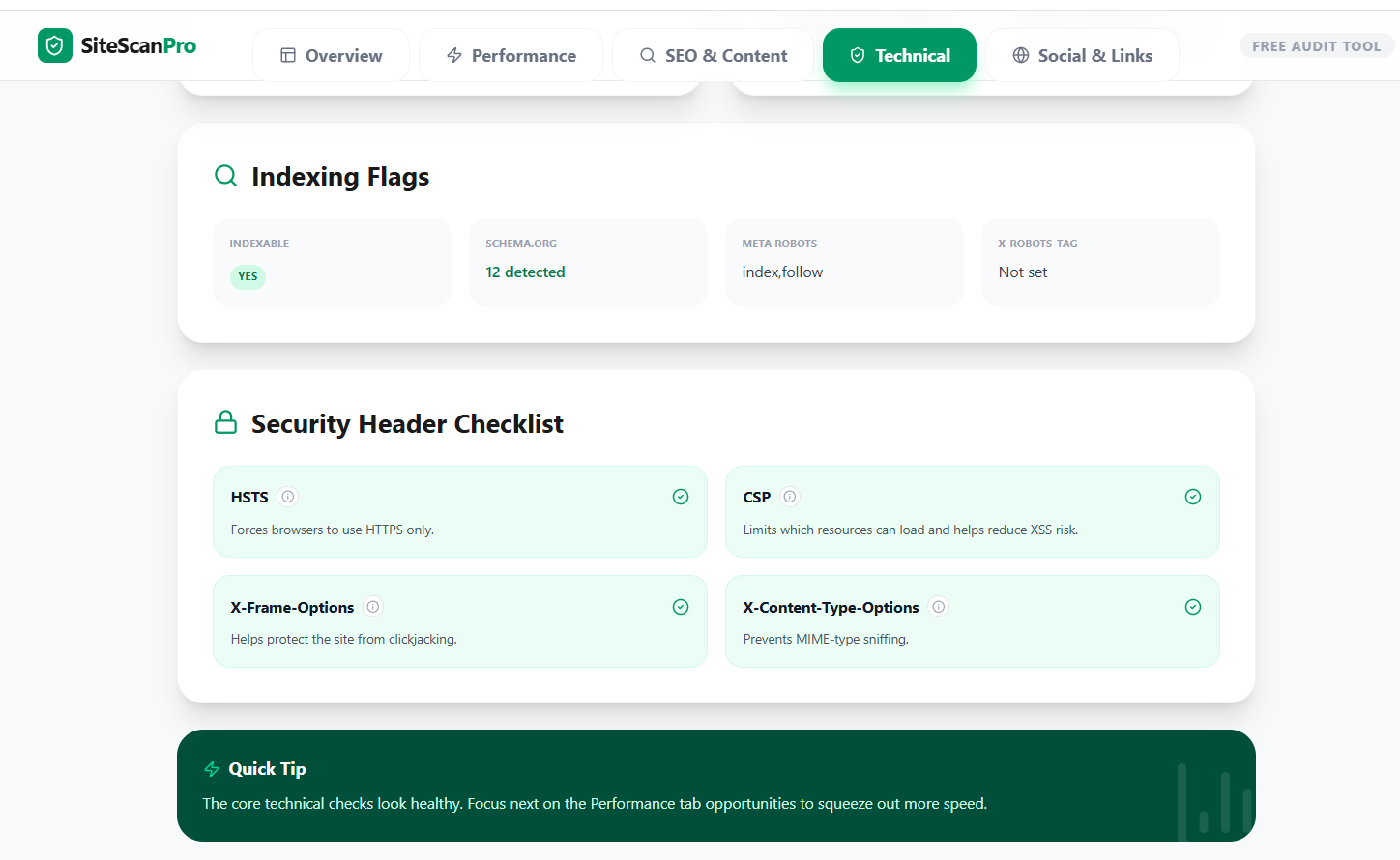
Start with indexability before everything else
If the page cannot be indexed properly, stronger content and faster speed may still struggle to show up. That is why the first technical SEO checks should usually be canonicals, robots rules, sitemap presence, and whether the page appears indexable at all.
- Check whether the page looks indexable
- Review canonical tags for mismatches
- Confirm robots rules are not blocking discovery
- Make sure the important page is internally linked
Then check titles, descriptions, and headings
Technical SEO is not just about crawl logic. A page also needs clear metadata and structure. If the title is weak, the description is missing, or the heading structure is messy, the page can still underperform even if indexing is fine.
Do not ignore obvious trust issues
HTTPS, security headers, favicon setup, broken links, and unfinished share data may not feel like classic SEO, but they still shape the way the site feels to users and to reviewers. A beginner-friendly audit should surface those basics clearly.
The easiest beginner fixes often come in this order
- Fix noindex, canonical, and robots mistakes
- Clean up titles, descriptions, and headings
- Repair broken links and obvious redirects
- Improve page speed on the URLs that matter most
- Review schema, social tags, and secondary enhancements
What beginners usually misunderstand in audit tools
- A lower-priority warning can still wait if the page has bigger indexing problems.
- A single performance score does not replace the rest of the technical audit.
- Not every missing header or schema type is urgent for every site.
- The best fix is often the one that removes a blocker from an important page first.
How to read the tool without getting overwhelmed
Healthy checks
Use these to confirm what is already working so you do not spend time solving problems that do not exist.
Needs attention
These are your likely next moves. Start with issues that affect indexing, discovery, broken links, and high-value pages.
Next step
If you want to apply this on a real page, use the Technical SEO Checker or the full SiteScan Pro audit. You can also read Technical SEO Checklist for Small Websites for a simpler follow-up list.
What is the best technical SEO audit tool for beginners?
The best starting point is usually the one that explains the checks clearly and helps you prioritize, not the one with the longest report.
Should beginners start with a crawler or a browser-based audit?
A browser-based audit is often easier first. A crawler becomes more useful once you need to inspect many URLs in one pass.
Do I need to fix every warning?
No. Start with the warnings that affect indexing, metadata quality, broken links, and the pages that already matter for traffic or leads.